
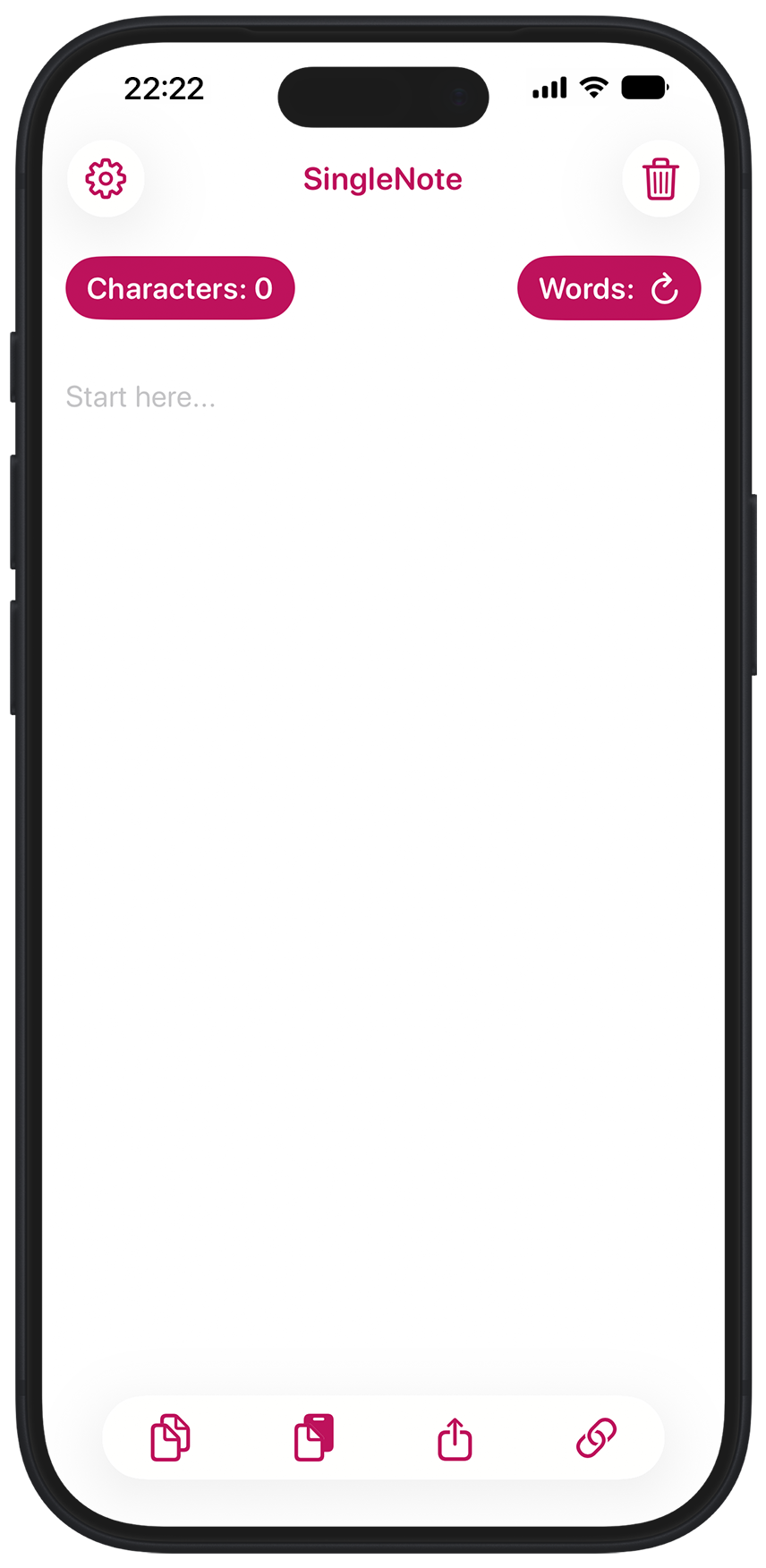
Ever find yourself wanting to write down a quick note, without the hassle of dealing with saving files and creating folders? Then SingleNote could be the answer.
With SingleNote you can jot down some text, maybe for a web form or a social media post, use it, then forget about it. As only one note is ever created, there is no file or folder management to worry about.
With character and word counters. SingleNote helps you stay under whatever limits your text faces.

Quick action buttons are always right there on the screen, so you can copy, paste, share, and delete text with a single tap. New in SingleNote 3.0 – clickable links. SingleNote searches for URLs in your text note and presents a list of clickable links that open in your default web browser.
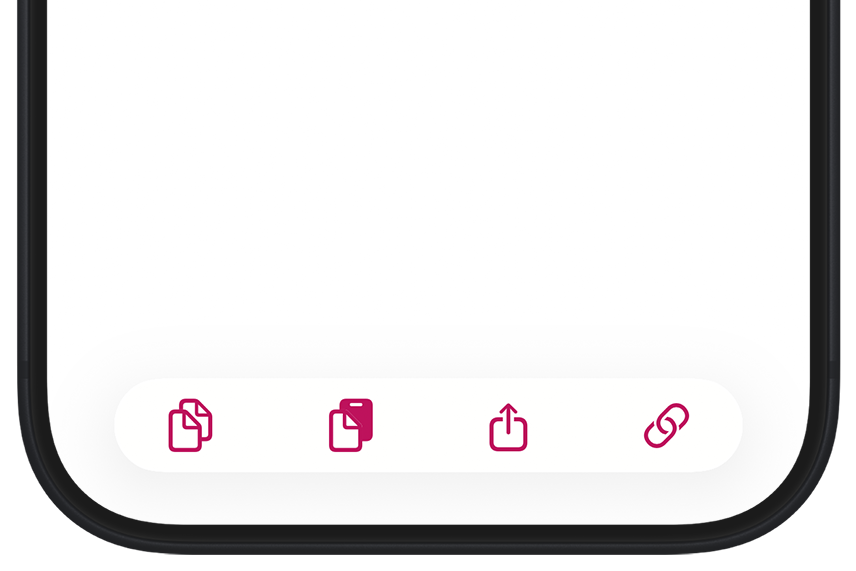
You can also configure these buttons to speed up your workflow:
SingleNote was created by me, Russell Hill. If you have any questions or feature requests, or you just want to say how much SingleNote has changed your life, I'd love to hear from you. Please drop me a line at singlenoteapp@gmail.com