 Play in Reverse
Play in Reverse
Play in Reverse
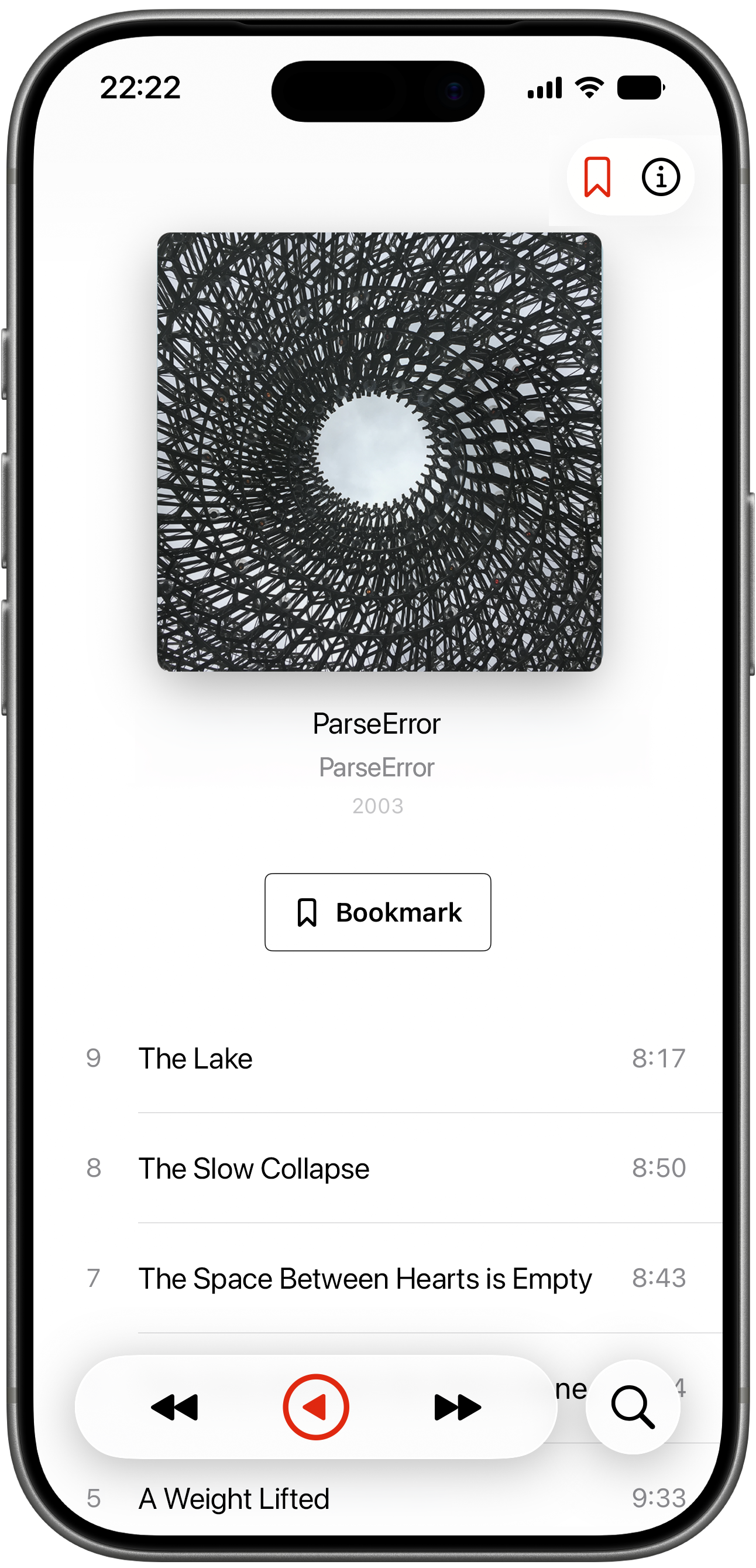
Give some love to those songs you don't always get to and breathe new life into favourite albums*.
*Requires an Apple Music subscription

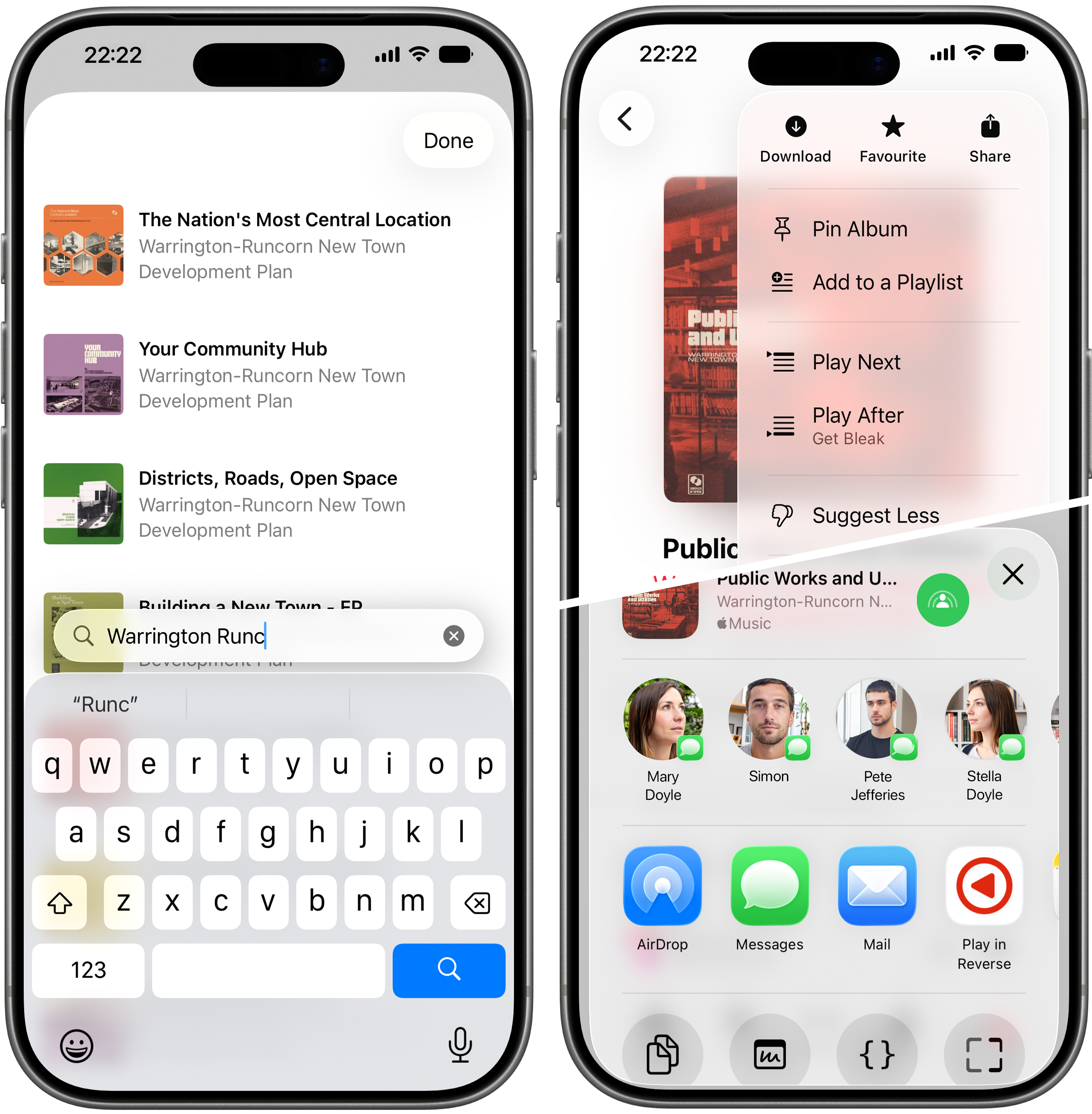
There are two ways (three if you include Bookmarks) to cue up an album to play in reverse. 1. Use the built-in search to find the album you want to hear. 2. Share an album straight from Apple Music (or any music app that can share an Apple Music album ID) using the ShareSheet.
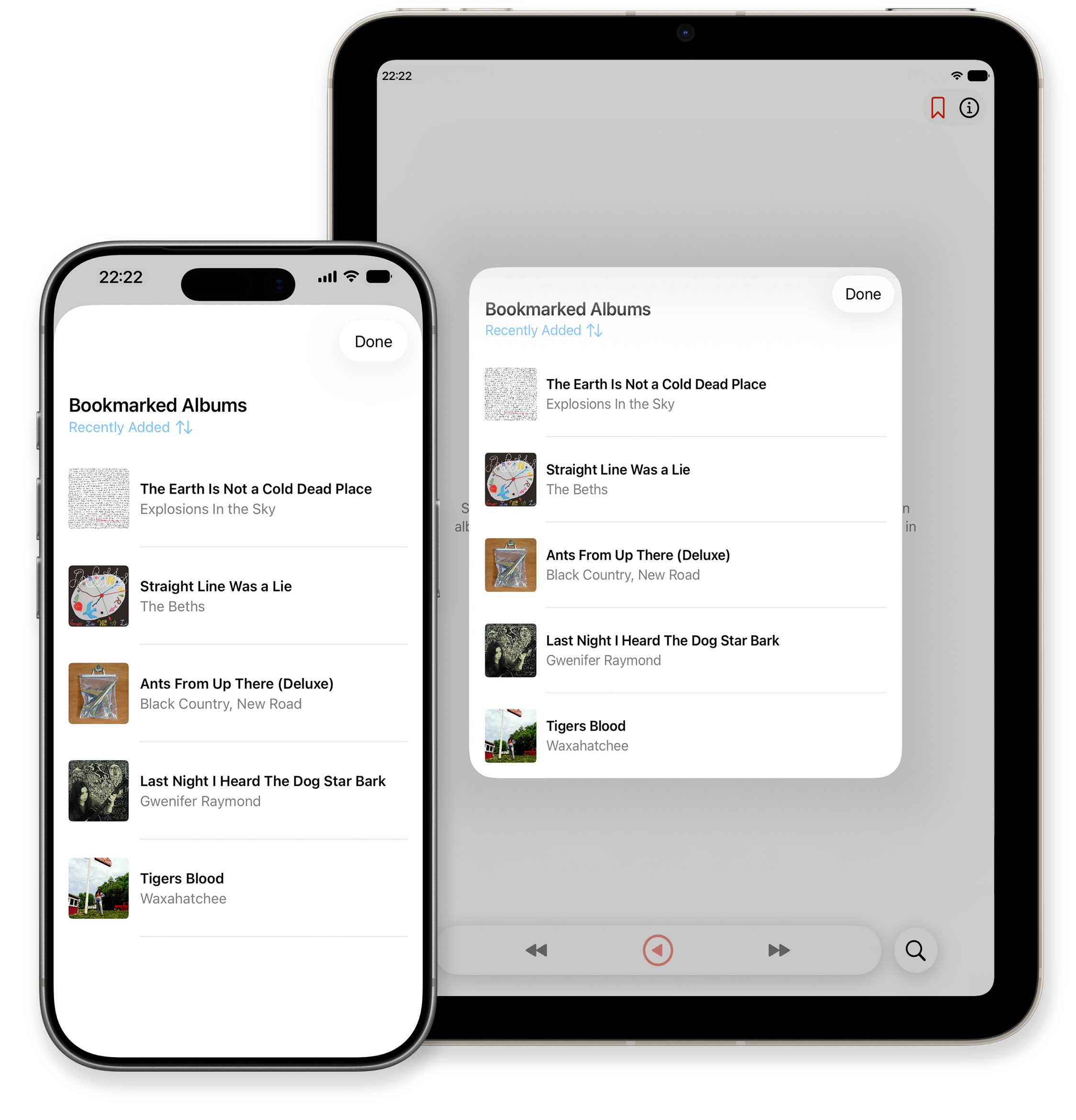
You can bookmark* albums to make it easy to play them again. Bookmarks sync across any iPhone and iPad signed in with the same Apple Account.
*Bookmarks are a premium feature.
A low, one-time purchase unlocks:
If you have any questions, feedback, or just want to share how Play in Reverse changed the way you listen to albums, I'd love to hear from you!
Contact me!Play in Reverse does not collect any user data whatsoever. Your bookmarked albums are stored on your device and synced privately across your own devices via iCloud. The data is stored in your personal iCloud account and is not accessible to us or any third party. If you have chosen to allow Apple to share app diagnostics with developers, that information is anonymised.